

Alternatives to EditTextImage
EditTextImage replaces text in your images online, keeping the original font, color, and style in under 30 seconds.
Explore 20 alternatives to EditTextImage. Compare features, pricing, and find the best fit for your needs.
Rhinobird
AI video ads, UGC-style videos, and product visuals for cross-border sellers and e-commerce brands.

ImageAgent
Create and edit AI images through conversation, using text or reference images and refining results in chat.
GenX
All-in-one AI workspace to generate images, videos, and audio with multiple leading AI models.
AiAgeFilter
Free AI age filter: upload an adult portrait, add 10-40 years, meet your older self. No app needed.

AppIconGenerator
Generate iOS and Android app icons from any image and export all platform sizes for free.
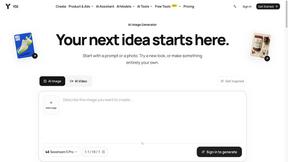

Design.com AI Image Generator
Turn text prompts into polished, copyright-safe visuals that plug directly into branded templates
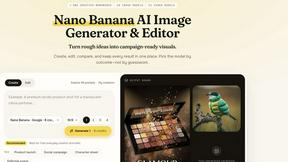
Nano AI
Create and edit AI images, generate videos, and compare models in one creative workbench.
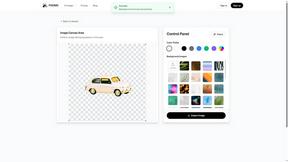
PXDMD
AI image cleanup for SaaS and e-commerce teams: remove backgrounds, erase objects, swap backgrounds - pay per image.
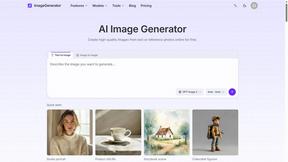
ImageGenerator
Create and edit AI images online with multiple models, text-to-image, image-to-image, background removal, and upscaling.
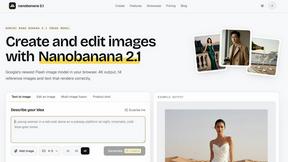
Nano Banana 2.1
A fast, simple image studio powered by Nano Banana 2.1. Create and edit high-quality images with accurate details, readable text, consistent character
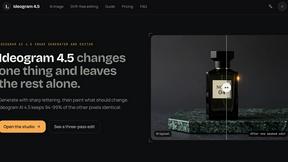
Ideogram AI 4.5
AI image generation and editing with precise typography, native 2K output, and localized edits.
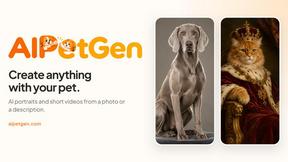
AIPetGen
AIPetGen turns a photo of your dog, cat, or other pet, or a written description, into a new picture or a short animation.

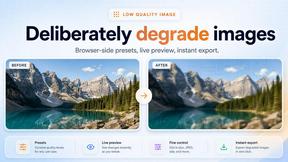
Low Quality Image Maker
Make images look low quality online for free. Compress, downscale, and pixelate photos right in your browser with no sign-up required.
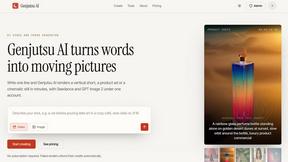
Genjutsu AI
Genjutsu AI turns ideas into cinematic videos, product ads, social shorts, and quality images in minutes. Built for TikTok, Reels, Shorts.
ImageGPT
ImageGPT is an all-in-one AI creative platform for generating, editing and transforming images and videos using AI.
AI Album Cover Maker
Create release-ready album covers from a prompt or photo. Generate, refine, and export art for singles, EPs, mixtapes, and playlists.
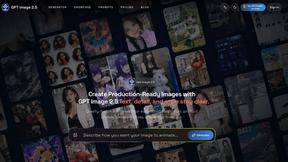
GPT Image 2 API
Generate and edit production-ready images with GPT Image 2 using prompts, reference images, clear text rendering, and a developer-friendly API.
About EditTextImage Alternatives
EditTextImage is a specialized online tool that falls under the category of image generation and editing software, specifically designed for seamless text replacement within existing images. Unlike traditional graphic design suites, this tool uses artificial intelligence to analyze the pixels of a photograph or graphic to sample the existing typeface, color, and layout. This allows users to change a word, fix a typo, or swap a headline without needing the original design file, installed fonts, or any prior design experience. It is a purpose-built solution for a very specific and common frustration: the inability to edit text on a finished visual asset. Users often look for alternatives to EditTextImage for a few key reasons, ranging from budget constraints to specific feature requirements. While the one-time payment model for a set number of edits is straightforward, some users might prefer a subscription or a completely free, ad-supported service for occasional use. Others may need a tool that offers more advanced editing capabilities beyond simple text replacement, such as layer manipulation or batch processing. When evaluating an alternative, you should prioritize tools that offer a high degree of font and color matching accuracy, support for complex backgrounds and perspectives, and a clear pricing structure that aligns with how frequently you need to edit images. The core value is preserving the original aesthetic of the image, so any alternative must excel at pixel-perfect rendering.
FAQs about EditTextImage Alternatives
What is EditTextImage?
EditTextImage is an online tool that allows you to edit and replace text within an existing image without needing the original design file or any installed fonts. It uses artificial intelligence to analyze the pixels of the image, sampling the typeface, color, drop shadow, and perspective to seamlessly render new text. The entire process is designed to be completed in about ten seconds, outputting a 2K resolution image.
Is EditTextImage free?
Yes, EditTextImage offers a free trial where your first edit is completely free and does not require a credit card. After the free trial, the service operates on a one-time payment model of $9.90 for 30 edits. This is not a subscription, so you do not have to pay a recurring monthly or annual fee to use the tool.
Who is EditTextImage for?
EditTextImage is designed for anyone who needs to quickly change text on a finished visual asset, such as a poster, screenshot, product photo, or social media graphic. This includes marketers, small business owners, social media managers, and designers who have lost the original source file. It is particularly useful for users who do not have access to or knowledge of complex software like Photoshop.
What are the main features of EditTextImage?
The primary feature is AI-driven text replacement that samples the typography directly from the image pixels, preserving the original font, color, layout, and even effects like drop shadows and perspective. The tool works without requiring you to install any font files, including paid or custom hand-lettering typefaces. It is designed for speed and simplicity, allowing for a complete edit in roughly ten seconds and outputting the final image at 2K resolution.