
Low Quality Image Maker
Make images look low quality online for free. Compress, downscale, and pixelate photos right in your browser with no sign-up required.
VisitPublished on:
October 9, 2026
Pricing:
About Low Quality Image Maker
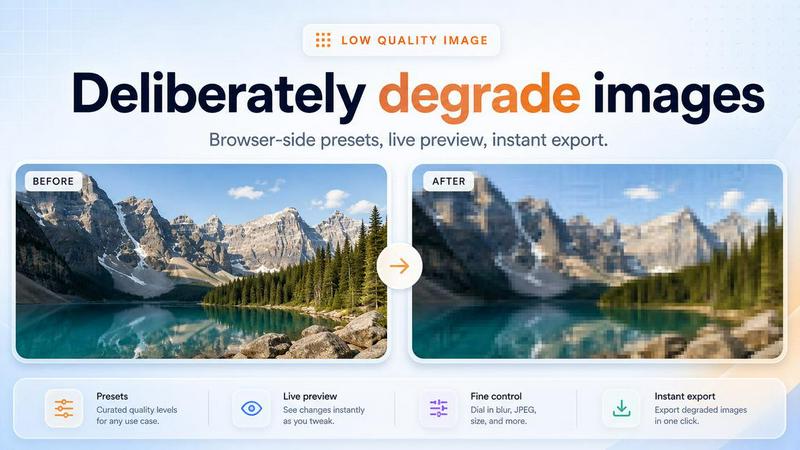
Low Quality Image Maker is a free browser-based tool that turns any photo into a deliberately low quality version. If you need to simulate a bad camera, create a retro or glitchy aesthetic, or produce a small file for testing, this tool gives you instant results without installing anything.
It works by applying three techniques you can combine: compression artifacts, image downscaling, and pixelation. Compression reduces detail and adds blocky noise, downscaling shrinks the resolution for a soft blurred look, and pixelation creates a chunky mosaic effect. You can control the strength of each one with simple sliders and preview the result live.
Everything runs locally in your browser. Your images are never uploaded to a server, so your files stay private and processing is fast. It supports common formats like JPG, PNG, and WebP, and lets you download the processed image instantly. Whether you are a designer mocking up a poor-quality screenshot, a developer testing how your app handles low resolution media, or just having fun, Low Quality Image Maker makes the whole process quick and easy.
Similar to Low Quality Image Maker

AIPetGen turns a photo of your dog, cat, or other pet, or a written description, into a new picture or a short animation.

Remove unwanted people, objects, text and watermarks from photos with AI


Genjutsu AI turns ideas into cinematic videos, product ads, social shorts, and quality images in minutes. Built for TikTok, Reels, Shorts.

ImageGPT is an all-in-one AI creative platform for generating, editing and transforming images and videos using AI.

Create release-ready album covers from a prompt or photo. Generate, refine, and export art for singles, EPs, mixtapes, and playlists.

App Store screenshots, designed as one panorama. Lay out all your slides on one continuous canvas in your browser. Free to start, Pro is $9 once.

Free AI attractiveness test and face analysis with private, on-device photo processing.