
ImageGenerator
Create and edit AI images online with multiple models, text-to-image, image-to-image, background removal, and upscaling.
Visit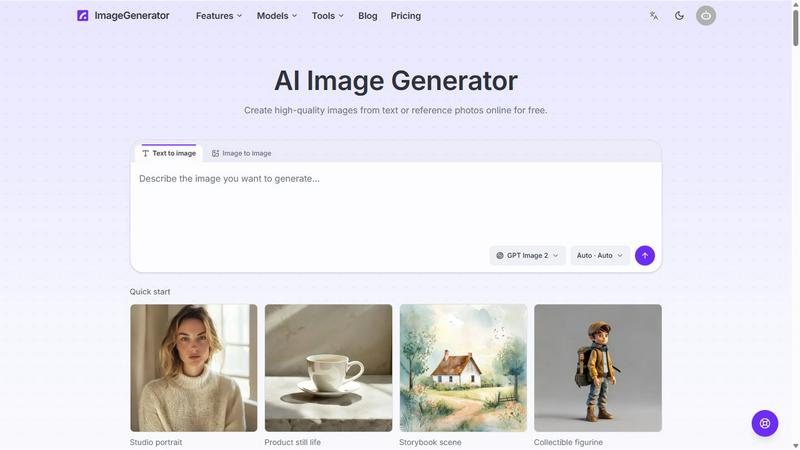
About ImageGenerator
ImageGenerator creates and edits images online from text prompts and reference photos. Switch between multiple AI image models, choose an aspect ratio, and refine results in your browser. Use background removal, 2x and 4x upscaling, image expansion, and style transfer. Results are saved with their prompts and models in a private library for full-resolution download, prompt reuse, and further editing. New users receive free welcome credits; subscriptions and credit packs provide additional credits.
Similar to ImageGenerator

Check your screen display for dead pixels using White screen or black screen checkers.

Write Markdown on the left, get a finished knowledge card on the right: 30+ themes, custom sizes and fonts, and batch export to PNG, SVG or PDF.

AI video ads, UGC-style videos, and product visuals for cross-border sellers and e-commerce brands.

Promptclay is an AI image generation app with a library of ready-to-use prompts.

Restore old photos with RestoreOldPhoto.ai: repair scratches, creases and fading, sharpen faces and details, and optionally colorize family memories.

Explore open-source creative software by workflow, platform and development stage, with comparisons and official project links.

Create and edit AI images through conversation, using text or reference images and refining results in chat.

Clone any webpage pixel-perfect, export HTML/CSS/ZIP or React/Vue components.