
Budgetpixel AI
Create and edit AI images, videos, music, and designs in one workspace, with multiple models, reusable characters, and API access.
Visit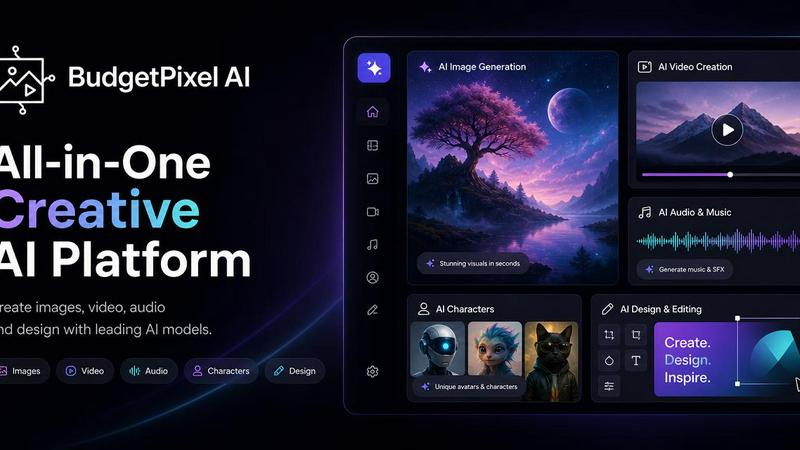
About Budgetpixel AI
BudgetPixel AI is a browser-based creative platform for generating and editing images, videos, music, speech, and sound effects. It brings multiple AI models together in dedicated workshops, letting creators turn text prompts and reference images into visual and audio content.
Design Studio pairs an AI design assistant with an editable canvas and templates for social posts, posters, presentations, and other designs. Reusable characters help maintain a consistent appearance across images and videos. Creative apps include face swapping, relighting, pose transfer, and virtual outfit try-on.
Creators can organize assets, discover and share work in the community feed, and use the platform for social content, marketing materials, and creative projects. Developers can connect generation to their own applications and workflows through the BudgetPixel API and MCP connector on paid plans.
A free plan includes 300 monthly credits. Paid subscriptions start at $10 per month, with additional credit packs available. Generation costs vary by model.
Similar to Budgetpixel AI

Create OCs from text or images, customize their look, and turn them into animated videos with AI.

AI image cleanup for SaaS and e-commerce teams: remove backgrounds, erase objects, swap backgrounds - pay per image.

Create and edit AI images online with multiple models, text-to-image, image-to-image, background removal, and upscaling.

A fast, simple image studio powered by Nano Banana 2.1. Create and edit high-quality images with accurate details, readable text, consistent character

Remove unwanted people, objects, text and watermarks from photos with AI

Make images look low quality online for free. Compress, downscale, and pixelate photos right in your browser with no sign-up required.

App Store screenshots, designed as one panorama. Lay out all your slides on one continuous canvas in your browser. Free to start, Pro is $9 once.

Generate and edit production-ready images with GPT Image 2 using prompts, reference images, clear text rendering, and a developer-friendly API.