DR Checker vs TrafficClaw
Side-by-side comparison to help you choose the right product.

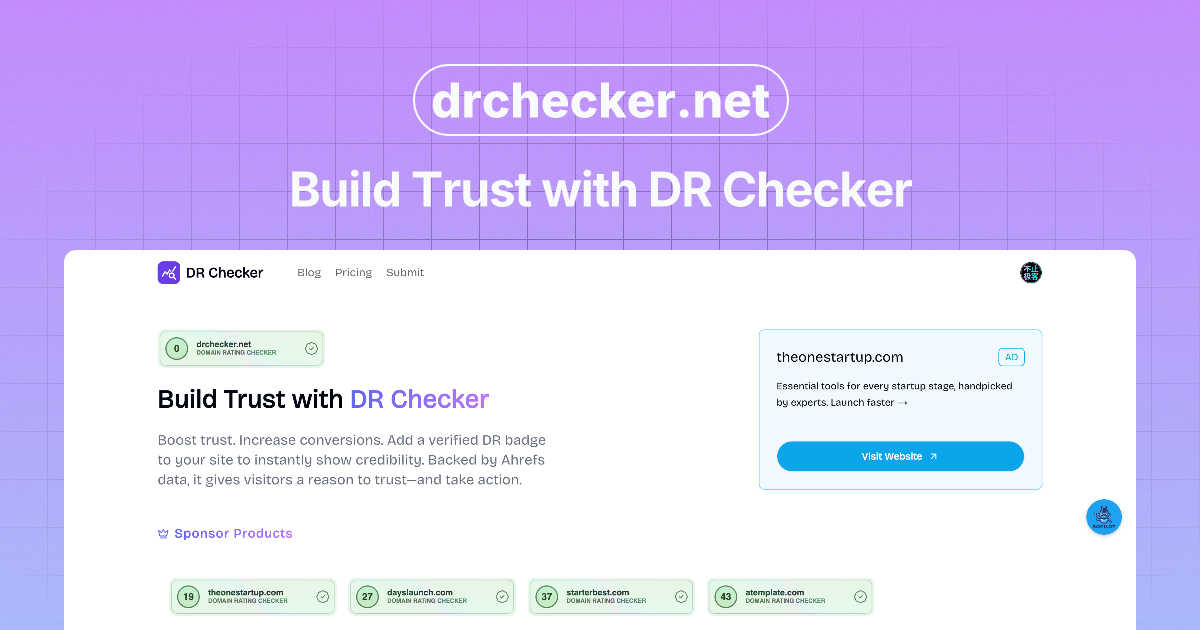
DR Checker helps you assess and enhance your domain reputation to build trust with your audience.

TrafficClaw
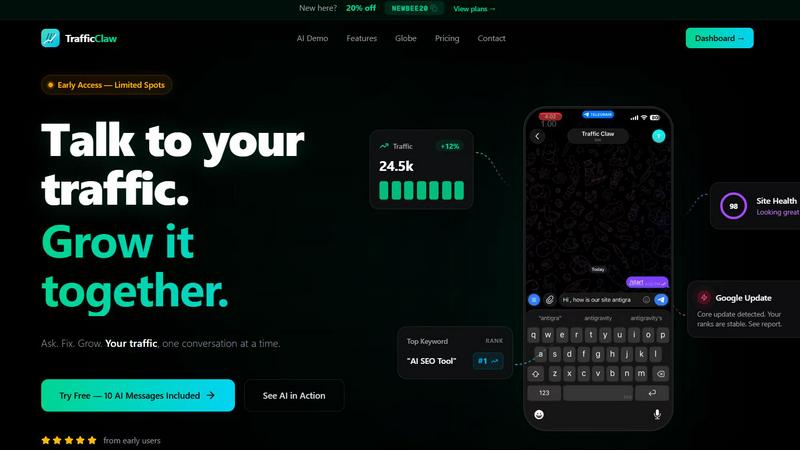
TrafficClaw transforms your SEO data into actionable insights, enabling you to ask questions and drive traffic growth effortlessly.
Last updated: April 13, 2026
Visual Comparison
DR Checker
TrafficClaw
Feature Comparison
DR Checker
Comprehensive Link Scanning
DR Checker provides an extensive scanning process that identifies broken links and invalid URLs across your website. This feature ensures that all links are functioning correctly, thus enhancing user experience and preventing potential SEO penalties.
Advanced Reporting
The platform generates detailed reports highlighting the issues found during the scanning process. Users receive actionable insights that pinpoint specific problems, such as 404 errors and links to expired domains, enabling them to take corrective measures efficiently.
User-Friendly Interface
DR Checker is designed with an intuitive interface that caters to both technical and non-technical users. Its straightforward navigation allows users to easily interpret results and implement necessary changes without needing extensive technical knowledge.
Security Checks for Links
In addition to analyzing link functionality, DR Checker also evaluates links for security risks. This feature helps users identify potentially malicious connections that could compromise their website's security, thus protecting both their site and its visitors.
TrafficClaw
AI Chat
TrafficClaw's AI chat feature allows users to interact with their analytics data in natural language. This means you can simply ask questions like "Why did my traffic drop?" and receive instant, actionable insights. The AI chat interface provides a seamless experience, delivering not just answers but also visual representations and charts that enhance understanding.
SEO Intelligence
The SEO Intelligence feature offers comprehensive analysis of keyword gaps, content decay alerts, and cannibalization detection. It also includes an AEO (Answer Engine Optimization) tool that helps optimize content for AI-driven search results. This feature enables users to fine-tune their SEO strategies based on data-driven insights rather than conjecture.
Analytics Dashboard
TrafficClaw provides a robust analytics dashboard that consolidates all essential metrics in one place. Users can easily monitor real-time visitor counts, traffic trends, bounce rates, and conversion funnels. This feature ensures that you have a holistic view of your website’s performance without the need to switch between multiple platforms.
Site Audit
The Site Audit function offers in-depth page-level assessments, including performance scores based on Core Web Vitals. This feature identifies potential issues affecting site performance and provides auto-fix suggestions, streamlining the process of optimizing your website for better user experience and SEO ranking.
Use Cases
DR Checker
Website Maintenance for E-commerce
E-commerce website owners can utilize DR Checker to regularly monitor their sites for broken links, ensuring that customers have a seamless shopping experience. This proactive approach helps maintain conversion rates and customer satisfaction.
SEO Optimization for Blogs
Bloggers can benefit from DR Checker by using it to find and fix broken links, which can significantly improve their SEO rankings. By maintaining a healthy link structure, they can enhance their website's visibility on search engines.
Pre-launch Website Audit
Before launching a new website, developers can use DR Checker to conduct a thorough audit. This allows them to identify and rectify any broken or malicious links, ensuring a polished and professional website launch.
Digital Marketing Campaigns
Digital marketers can integrate DR Checker into their workflow to assess the integrity of links used in campaigns. By ensuring all links are valid and secure, marketers can enhance the credibility of their campaigns and improve user engagement.
TrafficClaw
Identifying Traffic Drops
When website traffic experiences sudden declines, TrafficClaw can quickly diagnose the underlying issues. By analyzing historical data and providing insights on factors like content cannibalization or keyword ranking shifts, users can take immediate corrective actions.
Optimizing SEO Strategy
TrafficClaw enhances SEO strategies by identifying keyword opportunities and gaps in content. Users can leverage the platform to find high-potential keywords and optimize existing content, ensuring their website remains competitive in search rankings.
Improving User Engagement
With real-time analytics and insights on visitor behavior, TrafficClaw allows users to make informed decisions about content and design changes. By understanding what keeps visitors engaged or causes them to leave, users can enhance their websites for better retention rates.
Streamlining Content Creation
The content generation tools within TrafficClaw help users create optimized blog posts and web pages effortlessly. By utilizing AI to generate schema markup and suggest internal linking strategies, users can focus on producing high-quality content that resonates with their audience.
Overview
About DR Checker
DR Checker is a comprehensive web-based service that focuses on enhancing website performance and security by identifying problematic links. It is specifically designed for website owners, developers, and digital marketers who are keen on maintaining their online presence. The primary function of DR Checker is to scan websites for broken links, invalid URLs, and potentially harmful connections that could negatively impact user experience and SEO rankings. By providing actionable insights, DR Checker empowers its users to uphold a clean and trustworthy online image. The platform utilizes advanced crawling technology to analyze website structures, ensuring that it delivers thorough reports that pinpoint issues such as 404 errors, expired domains, or links that lead to questionable sites. With its user-friendly interface, DR Checker simplifies the process of website maintenance, making it suitable for both technical experts and novices alike. Ultimately, it aids users in optimizing their sites efficiently, ensuring a smoother experience for their visitors.
About TrafficClaw
TrafficClaw is an innovative AI-driven tool designed to enhance website traffic analysis and SEO performance. It simplifies the complex world of data interpretation by allowing users to ask straightforward questions about their website's analytics, thus providing actionable insights based on real-time data from Google Analytics 4 (GA4) and Search Console. Tailored for website owners, digital marketers, and SEO professionals, TrafficClaw eliminates the guesswork associated with traffic fluctuations by delivering precise answers. Instead of relying on generic advice, users can obtain tailored recommendations that address their specific challenges. The platform not only helps identify issues contributing to traffic drops but also suggests effective strategies for improvement. With its user-friendly interface and natural language processing capabilities, TrafficClaw transforms data analysis into a conversation, enabling users to engage more effectively with their website’s performance metrics.
Frequently Asked Questions
DR Checker FAQ
What types of links does DR Checker identify?
DR Checker identifies broken links, invalid URLs, and potentially harmful connections on your website. It focuses on ensuring that all links are functional and secure.
How often should I use DR Checker?
It is recommended to use DR Checker regularly, especially after making updates to your website or prior to launching new content. This helps ensure that your site remains healthy and user-friendly.
Is DR Checker suitable for non-technical users?
Yes, DR Checker is designed with a user-friendly interface that makes it accessible for both technical and non-technical users. The platform provides clear insights and reports that are easy to understand.
Can DR Checker improve my website's SEO?
Yes, by identifying and fixing broken links and invalid URLs, DR Checker can help improve your website's SEO. A well-maintained link structure is crucial for better search engine rankings and enhanced user experience.
TrafficClaw FAQ
How does TrafficClaw analyze my data?
TrafficClaw connects to your Google Analytics 4 and Search Console accounts, allowing the AI to analyze your live data. It provides insights based on real-time metrics and historical trends, ensuring tailored recommendations.
Is my data secure with TrafficClaw?
Yes, TrafficClaw prioritizes user data privacy. The platform uses read-only access via Google OAuth, ensuring that your data remains secure and only accessible to you.
How quickly can I set up TrafficClaw?
Setting up TrafficClaw is quick and easy, taking approximately 30 seconds. Simply sign in with your Google account, and the platform will automatically detect your GA4 properties and Search Console sites.
Can I use TrafficClaw for multiple websites?
Yes, TrafficClaw supports multiple websites. Users can connect various Google Analytics and Search Console accounts, enabling comprehensive analysis and insights across all their online properties.