Fluidium vs Wan2.7-Image
Side-by-side comparison to help you choose the right product.
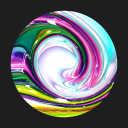
Fluidium is an app that lets you create beautiful fluid art on your touchscreen device.

Wan2.7-Image
Wan 2.7 Image provides reliable control over faces, colors, and text for professional design and branding projects.
Last updated: April 13, 2026
Visual Comparison
Fluidium
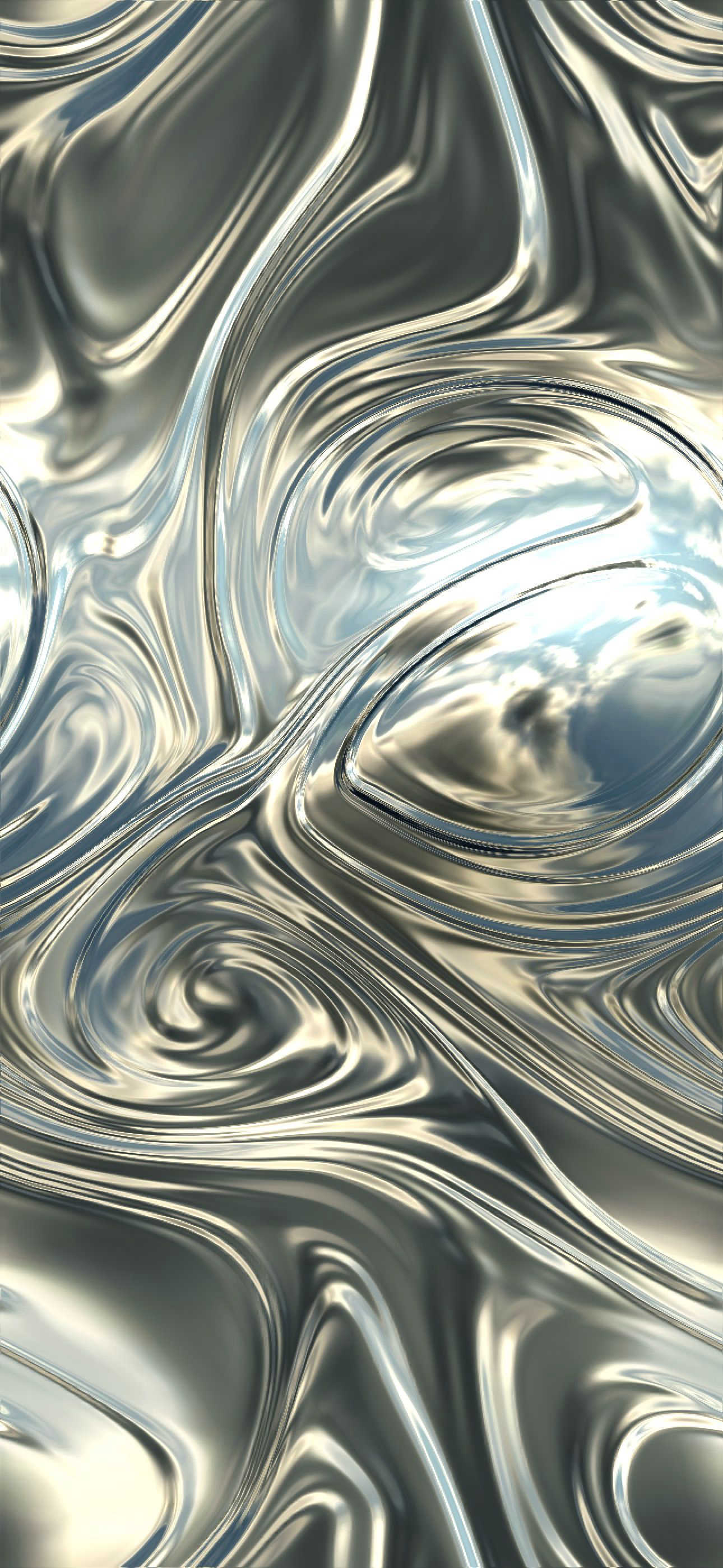
Wan2.7-Image
Feature Comparison
Fluidium
Real-Time Fluid Simulation
This is the foundational feature of Fluidium. The application uses advanced algorithms to simulate the physical behavior of liquids, including flow, viscosity, and color blending. When you touch the screen, the software calculates how the virtual fluid should move, separate, and merge, creating a realistic and immediate response. This real-time calculation is what makes the experience feel interactive and alive, rather than a pre-recorded animation.
Extensive Preset Library
Fluidium comes pre-loaded with 130 unique visual presets. These presets are pre-configured combinations of color palettes, brush styles, and background settings that provide instant starting points for creation or viewing. This feature is essential for users who want to explore different aesthetic moods without manually adjusting settings, offering a quick way to experience everything from serene, watery blues to vibrant, energetic explosions of color.
Custom Creation Tools
For users who wish to personalize their experience, Fluidium offers robust custom tools. This includes the ability to create and save your own color palettes, select from different brush types that affect how the fluid is applied, and adjust various simulation parameters. This transforms the app from a passive viewer into an active art studio, allowing for deliberate artistic expression and the creation of truly unique digital pieces.
Auto-Play and Recording
Fluidium includes an Auto-Play mode, where the application generates and evolves fluid art automatically without user input. This is designed for relaxation, meditation, or use as a dynamic visual display. Additionally, the built-in recording feature allows users to capture their sessions, enabling them to save their creations as video files to share on social media or review later, adding a layer of permanence to the transient art.
Wan2.7-Image
Precise Portrait and Face Control
This feature allows users to guide specific facial characteristics such as face shape, eye depth, and skin detail. Unlike generic AI models that often produce similar-looking faces, Wan2.7-Image provides deliberate control to create portraits that are unique, believable, and tailored for specific character designs or brand ambassador visuals, ensuring each face has distinct structure and clean detail.
Hex-Based Palette Matching
Wan2.7-Image enables users to extract and apply color tones directly from reference images, such as brand style guides or product photos. Using hex-based color transfer, it ensures new image outputs adhere closely to a required color system. This provides stable composition with brand-safe colors, eliminating the need for manual recoloring and guaranteeing visual consistency across all marketing and design materials.
Readable Long Text Rendering
The generator excels at creating images with dense, complex text layouts. It clearly renders small text within labels, tables, formulas, bullet points, and multilingual blocks. This capability is crucial for producing print-ready document-style images, instructional graphics, or any visual where legible text integrated into the design is a primary requirement, surpassing the clarity offered by older image models.
Interactive Local Editing and Batch Output
Users can generate up to 12 related images in one batch for creating cohesive sets, like product scenes or comic panels. Furthermore, the interactive local edit function allows for precise revisions. By selecting a specific area of an image and describing the desired change, users can alter that section without needing to regenerate the entire image, streamlining the refinement process and saving significant time.
Use Cases
Fluidium
Digital Art and Creative Exploration
Artists and hobbyists can use Fluidium as a digital sketchpad for organic forms. It serves as a source of inspiration for color combinations, textures, and flowing patterns that can be recorded and used as references for traditional art, digital paintings, or design projects. The immediate feedback loop encourages experimental play and can help overcome creative blocks.
Relaxation and Mindfulness
The soothing, predictable motion of the simulated fluids makes Fluidium an excellent tool for stress relief and mindfulness practice. Users can focus on the gentle, unfolding patterns, using the visual flow as a point of concentration to calm the mind. The Auto-Play mode is particularly suited for this, providing a hands-free, ever-changing visual landscape for relaxation.
Educational Demonstration
Teachers and students can use Fluidium to visually demonstrate basic principles of fluid dynamics, color theory, and mixing in an engaging, hands-on way. While not a scientific simulation, it provides an intuitive and accessible representation of how liquids interact, how colors blend, and how forces (like a touch) affect movement.
Dynamic Visual Display
Fluidium can function as a living piece of art for your device. When set to Auto-Play and placed on a stand, it transforms an iPad or iPhone into a sophisticated, ever-changing digital canvas for a home, office, or studio. It provides ambient visual interest that is more organic and personalized than a static screensaver or photo slideshow.
Wan2.7-Image
E-commerce Product Visualization
E-commerce professionals can use Wan2.7-Image to create high-quality, consistent product visuals and lifestyle scenes. The batch output and palette matching features ensure that product styling and tone remain uniform across various shots for a website or catalog. This consistency enhances the shopping experience, builds brand trust, and can directly contribute to increased customer engagement and sales.
Brand Identity and Marketing Campaigns
Brand managers and marketing teams can maintain a unified visual presence across all channels. By using reference images and palette control, they can generate campaign assets, social media content, and advertisements that strictly adhere to brand colors and aesthetics. This ensures every piece of visual communication is instantly recognizable, strengthening overall brand identity.
Editorial and Publication Design
For editorial work, the tool is invaluable for creating custom illustrations, charts, and complex layouts that integrate seamlessly with articles and publications. The readable long text feature allows for the generation of images containing clear captions, labels, and data visualizations, providing publishers with precise, ready-to-use graphical content that complements written material.
Sequential Art and Storyboarding
Artists and content creators working on comics, storyboards, or visual narratives benefit from the consistent character and scene generation. By using multiple reference images and batch output, they can produce a sequence of panels or frames where characters and visual style remain coherent throughout the story, which is essential for maintaining narrative flow and visual continuity.
Overview
About Fluidium
Fluidium is an interactive application designed for iOS devices that transforms your screen into a dynamic canvas of simulated fluid. At its core, it is a digital art tool that allows users to create, manipulate, and observe beautiful, flowing patterns of color. The product simulates the physics of liquids, enabling vibrant streams to move, mix, and react in real-time to touch, tilt, and other inputs. It is built for a wide audience, from artists and designers seeking inspiration to individuals looking for a meditative or relaxing digital experience. Its main value proposition lies in providing an accessible yet deeply engaging platform for generative art. Users do not need advanced artistic skills to begin; they can simply interact and watch as complex, organic visuals emerge from basic gestures. By leveraging Apple's Metal technology, Fluidium ensures that this complex simulation runs smoothly and responsively on any compatible iPhone or iPad, making high-quality digital fluid art an everyday possibility.
About Wan2.7-Image
Wan2.7-Image is an advanced AI image generator designed for professionals who require precision and control in their visual content. It moves beyond simply creating attractive images to offer a reliable, controlled workflow for generating visuals that meet specific creative and brand standards. The core value of Wan2.7-Image lies in its integrated control over key elements like facial features, color palettes, and text rendering within a single online platform. This makes it an essential tool for designers, e-commerce managers, brand strategists, and editorial teams who need to produce consistent, high-quality visuals efficiently. By providing tools for detailed adjustments and batch processing, it reduces the time and cost associated with revisions and manual editing, ensuring that every image aligns perfectly with the intended project goals and maintains a cohesive visual identity across all applications.
Frequently Asked Questions
Fluidium FAQ
What devices is Fluidium compatible with?
Fluidium is built exclusively for iOS. It requires a device that supports Apple's Metal graphics technology, which includes most iPhones and iPads from recent years. You can download it from the App Store. It is not currently available for Android, macOS as a standalone app, or Windows.
Do I need an internet connection to use Fluidium?
No, an internet connection is not required to use Fluidium's core features. Once downloaded from the App Store, all simulation tools, presets, and creation functions work offline. An internet connection would only be necessary for initial download, potential app updates, or if you choose to share your recordings directly from the app to an online service.
Can I export the art I create in Fluidium?
Yes, you can export your creations. Fluidium includes a screen recording function that allows you to capture your interactive sessions or the Auto-Play mode. These recordings are saved as video files to your device's camera roll, which you can then edit, share on social media platforms, or import into other video editing software.
Is Fluidium free or paid?
Based on the provided information, the specific pricing model for Fluidium is not detailed. It is common for apps of this nature to be a one-time purchase on the App Store or to offer a free version with limited features and a paid upgrade. To get accurate and current pricing, please check the latest listing on the Apple App Store.
Wan2.7-Image FAQ
What makes Wan2.7-Image different from other AI image generators?
Wan2.7-Image is specifically engineered for control and consistency rather than just generating a single impressive image. Its integrated workflow combines precise face manipulation, accurate color matching from references, and clear text rendering. This focus makes it a practical tool for professional production loops where maintaining specific visual standards across multiple assets is critical.
Can I use Wan2.7-Image to match my company's exact brand colors?
Yes, the Hex-Based Palette Matching feature is designed for this purpose. You can upload a reference image containing your brand's color palette, such as a logo or style guide, and Wan2.7-Image will transfer those exact tones to your new generated images. This ensures all visuals remain on-brand without manual color correction.
How does the interactive local editing work?
After generating an image, you can select a specific region you wish to change. You then provide a new text instruction describing the edit for that area only, such as "change the shirt color to blue" or "add a hat." The AI will then revise just that selected section, keeping the rest of the image intact, which allows for fast and efficient refinements.
Is Wan2.7-Image suitable for creating images with text like posters or flyers?
Absolutely. The Readable Long Text Rendering feature is built to handle dense layouts with text. You can prompt the AI to generate images containing clear labels, headings, bullet points, and even small-font details. This makes it highly effective for creating mock-ups of posters, flyers, infographics, and other print-ready marketing materials with integrated typography.