
Genjutsu AI Video Editor
Edit existing videos with AI: swap characters, outfits, objects or scenes while using the source clip to guide motion and camera framing.
Visit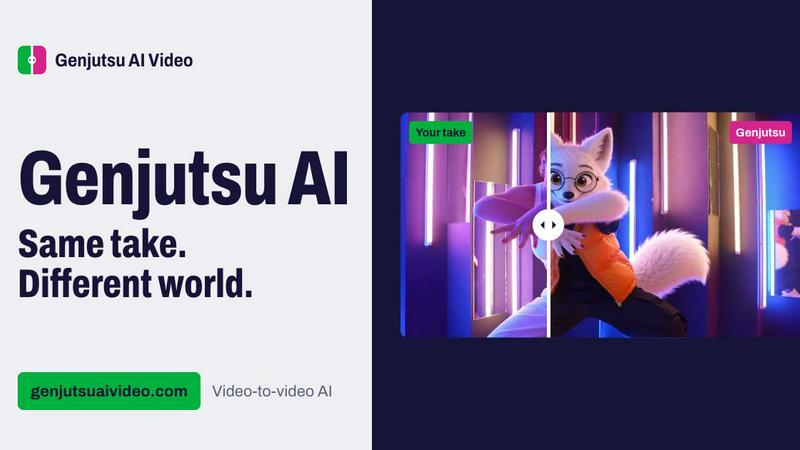
About Genjutsu AI Video Editor
Genjutsu AI Video Editor helps creators transform footage they already have. Upload a clip and reference images, then describe a character, outfit, object, location, weather, or style to change. The source guides action, timing, and camera movement, though generated details can still change. Pro uses Higgsfield Genjutsu; Standard offers lower-cost models. One-time credit packs start at $2.99 with no subscription.
Explore more in this category:
Similar to Genjutsu AI Video Editor

Upload one portrait. Bulin AI puts you in the official Bulin 47 freestyle. The source video guides the moves and camera. No prompt.

AIPetGen turns a photo of your dog, cat, or other pet, or a written description, into a new picture or a short animation.

Turn two photos into a Hotel Lobby dance video in the orange A COLORS SHOW booth

Genjutsu AI turns ideas into cinematic videos, product ads, social shorts, and quality images in minutes. Built for TikTok, Reels, Shorts.

Two photos become one hotel lobby video. One person stands on each side of the hanging microphone. No prompt.

Free online Markdown to text converter. Strip formatting, copy readable plain text instantly, and keep every conversion private in your browser.

Start a two-person creative workflow with original orange-booth duet videos or duo portraits from adult photos.

One AI enhancer for photos, images, videos, and creative effects.