Remove Handwriting vs SparkPix
Side-by-side comparison to help you choose the right product.

Remove Handwriting
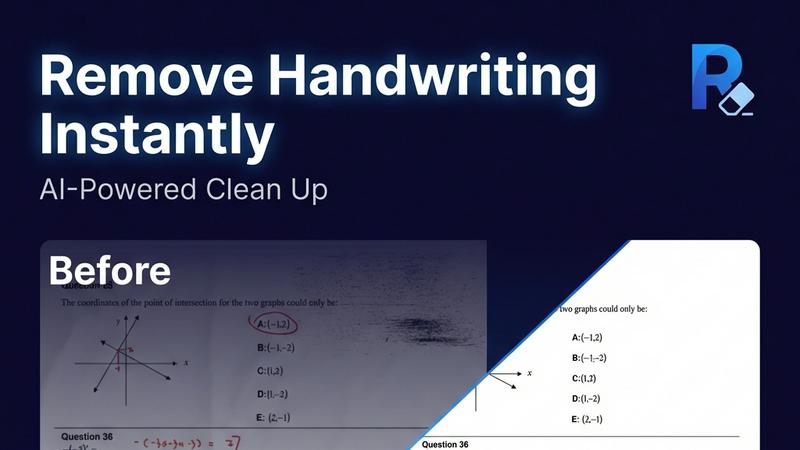
Remove handwriting from images, PDFs, and scanned documents with our AI-powered tool. Erase handwritten text, notes, and annotations while preserving

SparkPix
SparkPix is a fundamental AI photo editor that transforms your images simply by typing what you want to change.
Last updated: March 11, 2026
Visual Comparison
Remove Handwriting
SparkPix

Overview
About Remove Handwriting
Remove handwriting from images, PDFs, and scanned documents in seconds with our AI document cleanup tool. It preserves printed text, tables, and diagrams while fixing shadows, skew, curled edges, and background noise. Use it in your browser or on iOS and Android for worksheets, contracts, archives, and exam papers. We support JPG, PNG, JPEG, and PDF, with batch processing and API access available for larger workflows. Try it free with no credit card required.
About SparkPix
SparkPix is a web-based AI photo editing platform designed to make professional-grade image manipulation accessible to everyone. Its foundational principle is simple: you edit photos by typing what you want. This approach removes the traditional barrier of needing complex software knowledge, like Photoshop, and replaces it with intuitive text commands. Whether you're a small business owner needing product photos, a social media enthusiast creating content, a genealogist restoring family archives, or a complete beginner, SparkPix provides the tools. The platform's core value proposition is delivering powerful AI-driven transformations—from background removal and photo restoration to style transfer and object removal—in under 30 seconds, directly from your web browser on any device. By offering a free starting tier with credits and a straightforward pricing model, SparkPix democratizes advanced photo editing, empowering users to enhance their visual content with speed, ease, and remarkable results.