Ray3 vs Speechable
Side-by-side comparison to help you choose the right product.
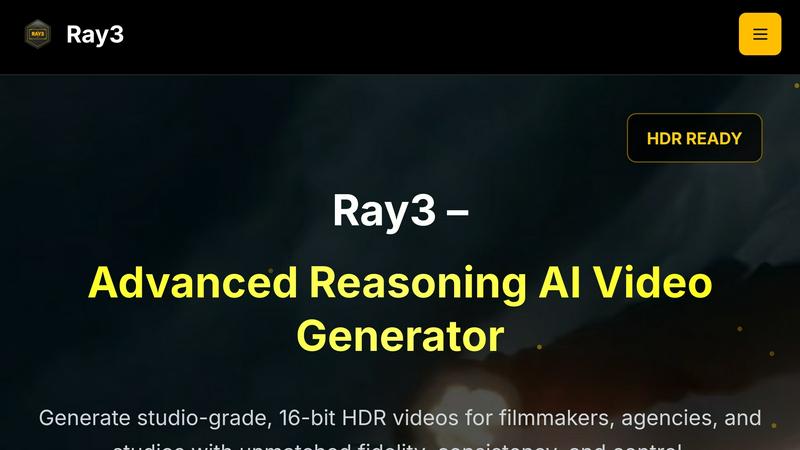
Ray3 generates stunning 16-bit HDR videos using advanced AI reasoning for professionals seeking cinematic quality.
Last updated: March 1, 2026

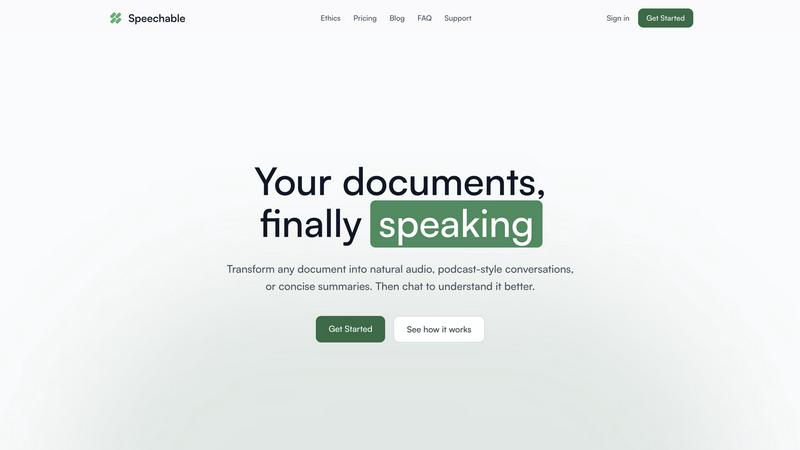
Transform documents into engaging audio, podcasts, or lectures for active learning and deeper understanding on the go.
Last updated: February 28, 2026
Visual Comparison
Ray3
Speechable
Feature Comparison
Ray3
High-Fidelity HDR
Ray3 supports true 10/12/16-bit HDR output, providing unmatched visual fidelity in video production. This feature enables creators to achieve professional-grade color depth and dynamic range that aligns with industry standards, ensuring that every frame looks stunning and lifelike.
Reasoning Intelligence
Ray3's advanced reasoning engine offers smarter and more consistent video generation. By understanding scene context, it maintains logical coherence and physical accuracy across all frames. This results in high-quality outputs that reflect real-world physics and narrative consistency.
Draft Mode
The Draft Mode feature allows users to rapidly explore and iterate on creative ideas at five times the usual speed. This cost-effective approach to creative testing provides quick previews, enabling users to experiment freely before committing to high-fidelity renders, thus streamlining the production process.
Workflow Integration
Ray3 integrates seamlessly with Adobe Premiere Pro and adheres to ACES color workflows. This compatibility ensures that professional video creators can easily incorporate Ray3 into their existing production pipelines, enhancing efficiency and facilitating a smooth workflow.
Speechable
Podcast Mode
Podcast mode transforms your document into a dynamic two-voice conversation, allowing you to choose the duration of playback—5, 10, or 15 minutes—and select your preferred language. This feature makes learning feel more like a dialogue rather than a monologue, enhancing understanding and retention.
Lecture Mode
Lecture mode presents complex ideas in a clear and straightforward manner, mimicking the style of TED talks. This feature is particularly useful for users who seek to grasp intricate subjects quickly and effectively, making it easier to absorb important information.
Eco Mode
Eco mode operates locally within your browser, which means it does not rely on cloud services. This results in up to 20 times less energy consumption compared to traditional cloud-based text-to-speech solutions. Additionally, it offers unlimited playback without any credits required, making it a sustainable choice for users.
Interactive Chat
The interactive chat feature allows users to engage with their documents by asking questions, either by typing or speaking. This functionality facilitates active learning, enabling users to clarify doubts or explore specific topics in depth, transforming passive listening into an engaging dialogue.
Use Cases
Ray3
Filmmaking
Filmmakers can utilize Ray3 to generate high-quality video content for various film projects. The tool's reasoning capabilities ensure that scenes are logically consistent and visually captivating, allowing filmmakers to focus on storytelling.
Advertising
Creative agencies can leverage Ray3 to produce compelling advertisements with cinematic quality. The platform's fast turnaround time and Draft Mode enable rapid brainstorming and concept testing, making it easier to meet tight deadlines.
Architectural Visualization
Architects and designers can use Ray3 for architectural visualizations, producing accurate and stunning representations of their designs. The realistic lighting and HDR capabilities make it an ideal tool for showcasing architectural projects.
Educational Content
Educators and content creators can harness Ray3 to create engaging educational videos. The platform's ability to generate coherent narratives and visually appealing graphics makes it suitable for instructional materials and online courses.
Speechable
On-the-Go Learning
Speechable is perfect for busy individuals who want to maximize productivity during commutes, workouts, or walks. By converting documents into audio formats, users can listen to essential content anytime and anywhere, making the most of their time.
Enhanced Study Sessions
Students can leverage Speechable to convert textbooks and lecture notes into audio summaries. This auditory approach can significantly aid comprehension and retention, especially for those who struggle with traditional reading methods.
Accessibility for Diverse Learners
Speechable is designed with accessibility in mind. Students with ADHD or dyslexia can benefit from its features, allowing them to interact with text in a more manageable and engaging manner, thus promoting equal learning opportunities.
Content Creation and Research
Researchers and content creators can use Speechable to turn lengthy articles or reports into concise audio formats. This not only saves time but also allows for easier dissemination of information, making it a valuable tool for professionals in various fields.
Overview
About Ray3
Ray3 is a groundbreaking AI video generation tool tailored for professional creators within the film, advertising, and creative industries. This platform stands out as the world’s first reasoning-based AI video model, capable of producing cinematic-quality videos with 10/12/16-bit HDR output. This ensures that videos not only maintain exceptional fidelity but also exhibit logical consistency throughout. Ray3 caters primarily to filmmakers, creative agencies, and production studios that require high-quality video production with rapid turnaround times. Its advanced temporal reasoning engine guarantees physically accurate motion, multi-character scene understanding, and coherent storytelling. This makes Ray3 suitable for a variety of applications, including commercials, architectural visualizations, and more. Additionally, the platform features a Draft Mode that accelerates the creative process, allowing users to brainstorm and iterate on ideas five times faster than traditional methods. With seamless integration into Adobe Premiere Pro and ACES color workflows, Ray3 enhances the video production pipeline, empowering creators to bring their visions to life with efficiency and reliability.
About Speechable
Speechable is an innovative tool designed to transform text-based documents into engaging audio experiences. Whether you're dealing with PDFs, web articles, ebooks, or even photos of handwritten notes, Speechable cleanly extracts the main content while eliminating distractions like footnotes, citations, and ads. This makes your documents not only accessible but also enjoyable to listen to. The primary value proposition of Speechable lies in its ability to provide users with a more immersive and interactive learning experience. By utilizing natural-sounding AI voices, users can choose from various playback modes, including podcast-style conversations and TED-style lectures. Designed for everyone—from students to educators, and individuals with learning differences—Speechable aims to make learning accessible, engaging, and efficient. This tool supports users in enhancing their comprehension while maximizing productivity, making it an essential resource for anyone who consumes large amounts of written content.
Frequently Asked Questions
Ray3 FAQ
What types of videos can Ray3 generate?
Ray3 can generate various types of videos, including cinematic films, advertisements, architectural visualizations, and instructional content. Its advanced reasoning engine ensures that all generated videos maintain high quality and logical consistency.
How does the Draft Mode feature work?
The Draft Mode feature allows users to create quick previews of their ideas at five times the standard speed. This enables rapid experimentation and iteration, helping creators refine their concepts before committing to high-fidelity video production.
Is Ray3 compatible with other software?
Yes, Ray3 seamlessly integrates with Adobe Premiere Pro and supports ACES color workflows. This makes it easy for professional video creators to incorporate Ray3 into their existing production processes without disruption.
What is the special offer for new users?
New users of Ray3 receive 25 FREE credits upon signup, which is equivalent to about two videos. This offer allows newcomers to explore the platform and its capabilities without any initial investment.
Speechable FAQ
What file formats does Speechable support?
Speechable supports a variety of file formats, including PDFs, Word documents (.docx), ePubs, and web URLs, as well as photos of text. Users can easily drop their files or paste links, and Speechable will handle the conversion seamlessly.
How many voices are available?
Speechable boasts a selection of 52 natural-sounding AI voices across eight different languages. Users have the option to preview each voice and adjust playback speeds to suit their listening preferences, ensuring a personalized experience.
What is Eco mode?
Eco mode is a unique feature that allows Speechable to run text-to-speech processing locally on your device rather than in the cloud. This significantly reduces energy usage—up to 20 times less than traditional options—and provides unlimited playback without requiring credits.
Can I chat with my documents?
Yes, Speechable includes a chat feature that enables users to ask questions or request clarifications about their documents. This interaction mimics a conversation with the content, allowing for deeper understanding and exploration of the material.
Alternatives
Ray3 Alternatives
Ray3 is an advanced AI video generator that specializes in creating high-quality 16-bit HDR videos, making it a valuable tool for professionals in the film, advertising, and creative industries. Users often seek alternatives to Ray3 due to various reasons, including pricing structures, specific feature sets that may better suit their unique needs, or compatibility with their existing platforms and workflows. Additionally, some users may be looking for tools that offer a different approach to video generation, whether that be in terms of ease of use, additional functionalities, or even customer support. When searching for an alternative to Ray3, it is essential to consider several factors. Look for products that provide a similar level of video quality and output, as well as those that fit your budget and workflow requirements. Evaluate the available features, such as reasoning capabilities, integration with other software, or drafting modes that could enhance your creative process. Ultimately, the best alternative will align with your specific video production needs while still delivering high-quality results.
Speechable Alternatives
Speechable is an innovative tool that transforms any document into audio formats such as podcasts and TED-style lectures. It falls within the Education & Learning and Speech & Voice categories, catering to users seeking to better absorb and understand written content through auditory means. Many users search for alternatives to Speechable due to varying needs, such as pricing concerns, specific feature requirements, or compatibility with different platforms. When selecting an alternative, it is crucial to consider factors like the range of features offered, ease of use, accessibility options, and whether the solution aligns with your learning preferences. Additionally, evaluating pricing structure and sustainability can help ensure that the chosen tool meets both your budget and environmental considerations.