Playwriter vs WebScore.now
Side-by-side comparison to help you choose the right product.


Find&Fix Website Issues with clear indications for improved metrics.
Visual Comparison
Playwriter

WebScore.now
Overview
About Playwriter
AI agents cannot browse the web properly. They either have no browser access, or they get a fresh Chrome with no logins, no extensions, and instant bot detection. Playwriter gives them your actual browser session instead. One Chrome extension, full automation API, everything you are already logged into. Includes accessibility snapshots (5-20KB instead of 100KB+ screenshots), a debugger with breakpoints, live code editing, network interception, and video recording. Works with any MCP client: Cursor, Claude, VS Code, and more. Open source, MIT licensed.
About WebScore.now
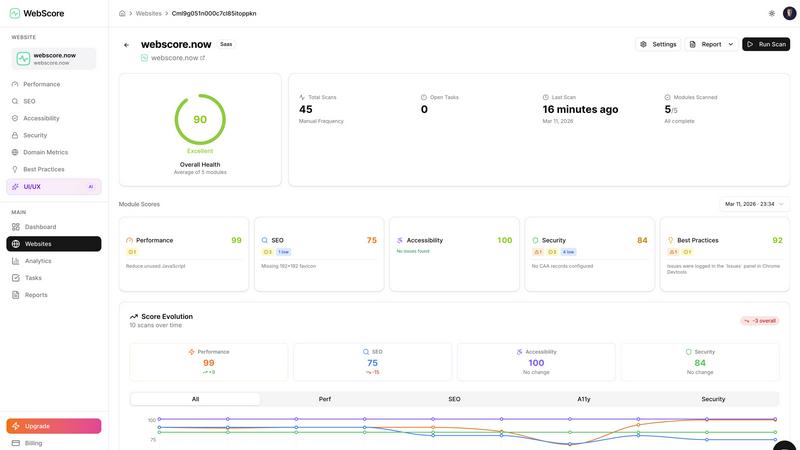
WebScore scans any public website and shows performance, SEO, accessibility, security, and UI/UX issues in under 60 seconds. It runs 100+ automated checks, explains each problem in plain language, and gives step-by-step fixes with code examples. Use a free scan or enable scheduled monitoring to track improvements over time. Built for developers, freelancers, and agencies who want faster sites, better search rankings, and higher conversions.