
GPT Create Image vs vaethat
Side-by-side comparison to help you choose the right product.

GPT Create Image
Create professional images simply by describing your ideas with AI.
Last updated: March 1, 2026

vaethat
Vaethat is an AI tool that enhances architectural renders, improving detail and clarity effortlessly while preserving.
Last updated: February 26, 2026
Visual Comparison
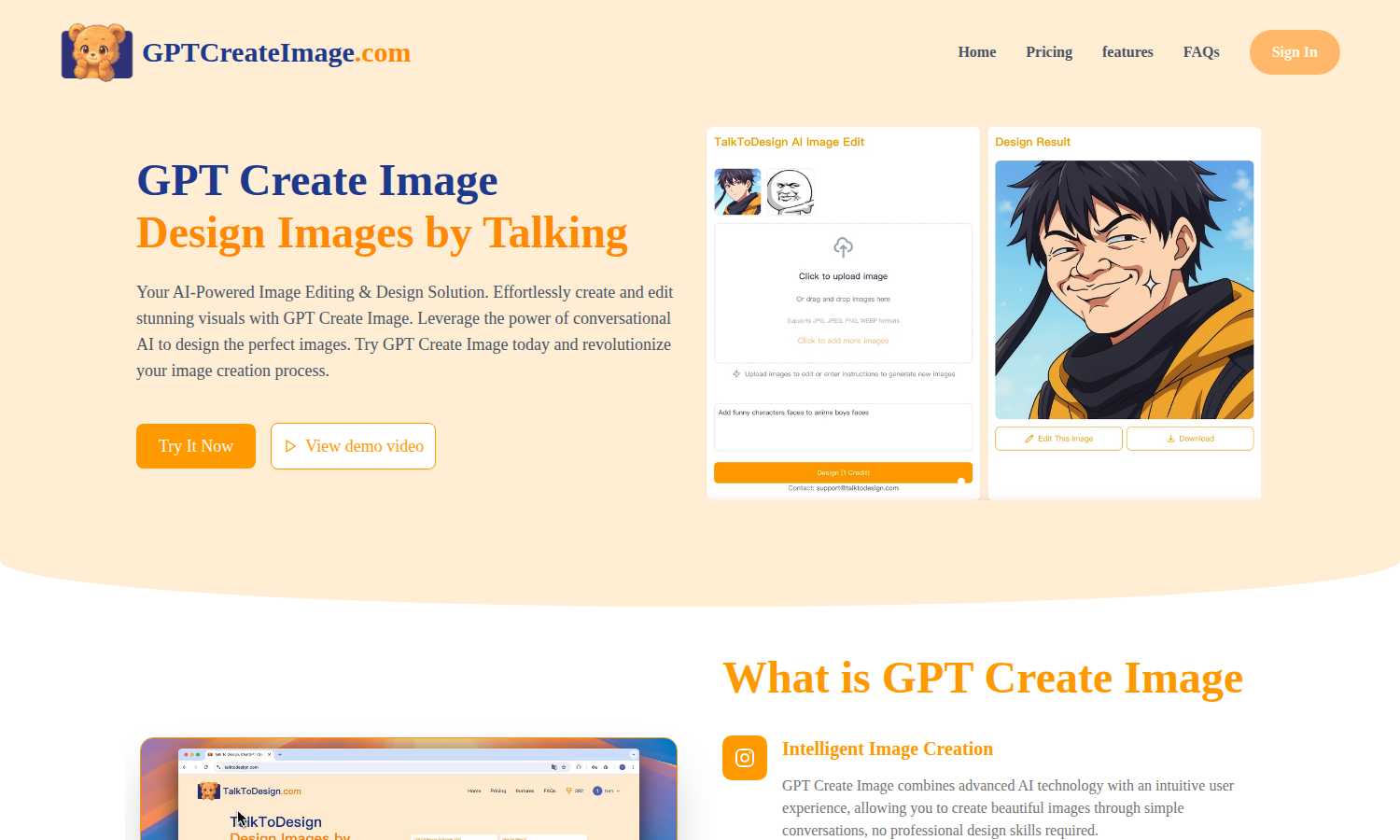
GPT Create Image
vaethat

Feature Comparison
GPT Create Image
Conversational Design Interface
This is the foundational feature of the platform. You interact with the AI through a simple chat interface, much like texting a friend. You type descriptions of the image you want, such as "a serene mountain landscape at sunset with a lake," and the AI interprets your request to generate a corresponding visual. This natural language process makes starting a design project intuitive and removes the initial intimidation of a blank canvas.
Natural Language Image Editing
Beyond creating new images from scratch, GPT Create Image allows you to edit existing photos using conversational commands. You can upload an image and instruct the AI to make changes. For example, you can say, "Make the background blurry," "Change the shirt color to blue," or "Remove the person on the left." The AI then executes these edits, simplifying tasks that typically require detailed knowledge of photo editing software.
Professional-Quality Output
The platform is engineered to produce high-resolution, visually appealing images suitable for professional use. The AI is trained on diverse visual data to understand composition, color theory, and style. This ensures the generated images are not just simple graphics but polished visuals that can be used in commercial projects, marketing materials, and professional portfolios without looking amateurish.
Integrated Editing and Fine-Tuning Tools
After an image is generated or an edit is applied, the platform provides access to additional adjustment tools. While the primary control is through conversation, these tools allow for manual refinements. You can adjust aspects like brightness, contrast, or apply filters to perfect the image, giving you a final layer of control to ensure the result perfectly matches your requirements.
vaethat
AI Render Upscaling
Vaethat offers an advanced AI render upscaling feature that increases the resolution and sharpness of 3D architectural renders. This ensures that geometry remains clean and consistent, allowing for a higher fidelity representation of the original design.
Detail Refinement
The detail refinement feature enhances fine textures, edges, and small architectural elements in the render. This results in a crisper and more polished appearance, elevating the overall quality of the architectural visualization.
Material and Lighting Enhancement
Vaethat excels in improving the perceived realism of architectural images through material and lighting enhancement. By boosting material definition, contrast, and lighting balance, it enhances the visual depth and richness of the scene.
Noise and Artifact Cleanup
This feature focuses on reducing noise and common rendering artifacts that often detract from the quality of architectural images. By producing cleaner, presentation-ready images, Vaethat helps professionals showcase their work with confidence.
Use Cases
GPT Create Image
Social Media Content Creation
Individuals and small businesses can use GPT Create Image to quickly produce engaging graphics for their social media channels. By describing posts for Instagram, Facebook, or Twitter, users can generate custom banners, promotional graphics, and illustrated quotes that are visually consistent and brand-appropriate, saving significant time and resource investment.
Marketing and Advertising Material
Marketing professionals can leverage the tool to rapidly prototype and create visual assets for campaigns. This includes generating ideas for ad visuals, creating product mockups in different settings, and designing eye-catching graphics for email newsletters or landing pages, all through simple descriptive prompts without waiting for a design team.
Educational and Presentation Aids
Teachers, trainers, and students can create custom illustrations and diagrams to enhance learning materials and presentations. For instance, an educator can generate a detailed image of a historical event or a scientific concept simply by describing it, making abstract ideas more tangible and presentations more visually compelling and easier to understand.
Personal Project Visualization
For personal hobbies and projects, users can bring their ideas to life. Whether planning a room's decor and wanting to visualize a style, conceptualizing a book cover, or creating custom artwork for a personal website, GPT Create Image allows individuals to experiment with and realize their creative visions without any artistic skill.
vaethat
Architectural Presentations
Vaethat is ideal for creating high-quality architectural presentations. By enhancing 3D renders, professionals can produce visually stunning images that effectively communicate their design vision to clients and stakeholders.
Portfolio Development
Architects and designers can use Vaethat to refine their portfolios. The enhanced images generated by the AI tool help showcase their best work, attracting potential clients and demonstrating their capability in producing high-quality visualizations.
Marketing Materials
Vaethat is a valuable tool for producing marketing materials for architectural firms. Enhanced renders can be used in brochures, websites, and social media, allowing firms to present their projects in the best light and reach a wider audience.
Project Approvals
When seeking project approvals from clients or regulatory bodies, high-quality visualizations are essential. Vaethat enhances renders to ensure they are clear and compelling, making it easier for professionals to gain the necessary approvals for their architectural projects.
Overview
About GPT Create Image
GPT Create Image is a software platform that uses artificial intelligence to help people make and change pictures. At its core, it is a tool that turns your words into images. Instead of learning complicated design programs with many buttons and menus, you simply tell the AI what you want in plain language. You describe your idea, and the AI works to create that image for you. This process is called conversational design. It is designed for a wide range of users, including business owners, marketers, social media managers, bloggers, and educators who need visuals but do not have professional design training or the time to master complex software. The main value of GPT Create Image is its simplicity and accessibility. It removes the technical barrier to creating quality visuals, allowing anyone to generate professional-looking images for presentations, websites, advertisements, or personal projects just by describing their vision in a natural conversation.
About vaethat
Vaethat AI is a cutting-edge tool designed specifically for enhancing and upscaling 3D renders in the field of architectural visualization. This specialized AI technology is tailored for professionals in the architecture and design industries, providing a seamless solution to improve the clarity, sharpness, and overall realism of architectural images. Vaethat focuses on delivering high-quality enhancements without the complexities often associated with general AI tools. It enables users to maintain their design intent while significantly improving the visual quality of their projects. By allowing users to upload entire folders of renders at once, Vaethat streamlines the workflow for archviz professionals, making it easier to produce presentation-ready images that meet industry standards.
Frequently Asked Questions
GPT Create Image FAQ
What is GPT Create Image?
GPT Create Image is an AI-powered software platform that allows you to create and edit images through conversation. You describe what you want in natural language, and the artificial intelligence generates or modifies images based on your descriptions. It is designed to make professional image design accessible to everyone, regardless of their technical or artistic background.
Who is GPT Create Image for?
GPT Create Image is built for anyone who needs images but prefers not to use complex design software. Its primary users include content creators, digital marketers, small business owners, social media managers, educators, bloggers, and professionals in any field who require fast, high-quality visuals for their work, projects, or personal use without a steep learning curve.
Do I need design skills to use GPT Create Image?
No, you do not need any prior design skills or experience. The platform is specifically created to be user-friendly for beginners. The power lies in the conversational AI. Your ability to describe what you want in words is the main skill required. The AI handles the technical execution of turning that description into a visual reality.
Can I use the images I create for commercial purposes?
According to the provided information on the platform's pricing, the Free plan includes "Commercial use." This indicates that images generated using GPT Create Image, even on the free tier, can be used in commercial projects such as advertisements, products, and business websites. Always review the specific terms of service for the most current usage rights.
vaethat FAQ
How does the AI render enhancer calculate credits?
The AI render enhancer calculates credits based on the number of images processed and the complexity of the enhancements applied. This system ensures that users only pay for what they use.
Can I use the archviz AI upscaler with V-Ray, Lumion, Enscape, 3ds Max, and SketchUp?
Yes, Vaethat is compatible with major architectural visualization software such as V-Ray, Lumion, Enscape, 3ds Max, and SketchUp, allowing for seamless integration into existing workflows.
What makes this AI post-production tool different from manual editing?
Unlike manual editing, which can be time-consuming and subjective, Vaethat automates the enhancement process using specialized AI trained on architectural visualization. This leads to consistent and high-quality results with minimal effort.
Can I cancel my subscription anytime?
Yes, Vaethat offers flexibility in subscription management, allowing users to cancel their subscription at any time without any hidden fees or long-term commitments.
Alternatives
GPT Create Image Alternatives
GPT Create Image is an AI-powered tool in the content creation and design category. It allows users to generate and edit images by simply describing what they want in plain language. This makes professional visual creation accessible to people without technical design skills. Users often explore other options for several common reasons. These can include finding a tool that fits their specific budget, needing different features or a particular style of image generation, or requiring the software to work on a different platform or device. It's a normal part of finding the right tool for a personal or professional workflow. When evaluating other services, consider a few key points. Look at the core method of creating images, whether it understands text prompts, uses templates, or requires manual editing. Assess the quality and style of the visuals it produces. Finally, review the cost structure and any usage limits to ensure it aligns with how much you plan to use it.
vaethat Alternatives
Vaethat is an AI-powered tool designed specifically for architectural visualization professionals. It excels in upscaling 3D renders, refining details, and enhancing clarity while ensuring that the original design intent is preserved. As a design tool, it plays a crucial role in producing high-quality architectural images that meet industry standards. Users often seek alternatives to vaethat for various reasons, including pricing constraints, the need for specific features, or compatibility with their existing platforms. When searching for an alternative, it's essential to consider factors like the quality of image enhancement, the user interface, and how well the tool integrates with other software used in architectural visualization. Ensuring that the alternative can meet both professional and project-specific needs is crucial for making an informed decision.