
AutoPhish vs Zovo
Side-by-side comparison to help you choose the right product.

AutoPhish uses AI simulations to train your team against real phishing email threats.
Last updated: March 1, 2026

Zovo offers 20 privacy-first Chrome extensions for developers and writers, unlocking tools with one simple subscription.
Last updated: February 26, 2026
Visual Comparison
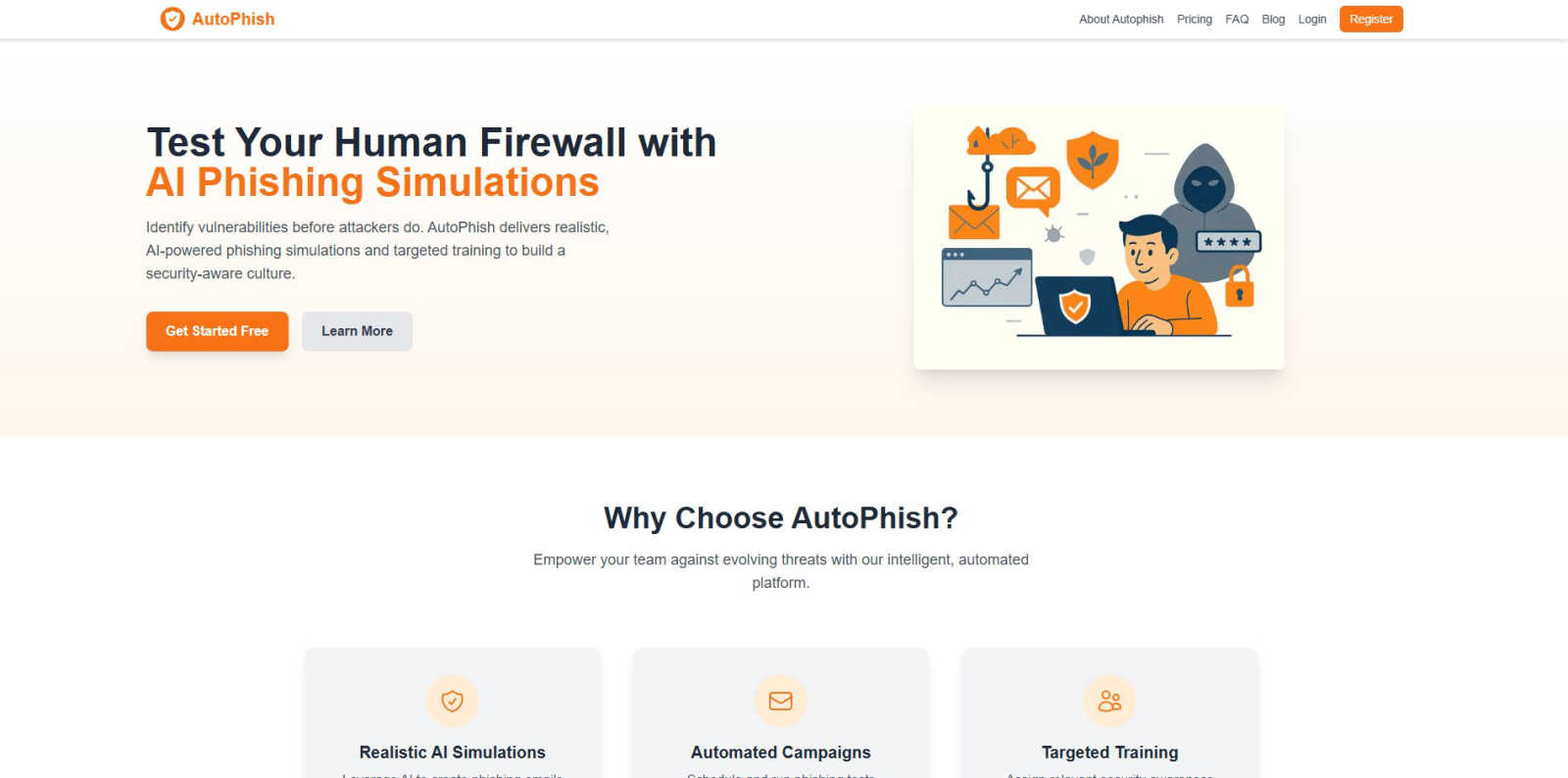
AutoPhish
Zovo

Feature Comparison
AutoPhish
Realistic AI-Powered Phishing Simulations
AutoPhish utilizes advanced artificial intelligence to generate phishing email simulations that closely mimic real-world attacks. The AI analyzes current threat trends and tailors the content, language, and sender details to be relevant to your specific industry. This creates a highly authentic testing environment that goes beyond obvious, poorly-written scams, effectively training employees to recognize sophisticated phishing attempts they might encounter in their daily work.
Automated Campaign Scheduling and Management
The platform automates the entire phishing simulation workflow, saving significant administrative time and ensuring consistent security testing. Users can configure a campaign by selecting target employee groups, choosing from a library of AI-generated templates, and setting a schedule for delivery. Once set, the campaigns run automatically, sending simulated phishing emails at the planned times without requiring manual intervention for each batch.
Targeted Security Awareness Training
Following each simulation, AutoPhish provides detailed analytics on user performance. The platform then uses these results to automatically assign targeted training modules. Employees who click on a simulated phishing link, for example, can be immediately enrolled in a short, relevant course about identifying suspicious emails. This personalized approach ensures training is focused on actual weaknesses, making the educational process far more effective than one-size-fits-all programs.
Domain Security and Email Authentication Analysis
A foundational step in using AutoPhish involves connecting and verifying your company domain. The platform provides tools to check and monitor critical email security protocols like SPF, DKIM, and DMARC. This ensures your simulation emails are sent securely and also helps you identify configuration flaws that real attackers could exploit. This feature provides dual value: securing your simulation process and improving your overall email defense posture.
Zovo
BeLikeNative
BeLikeNative is a flagship extension that helps users improve their writing by providing instant rewrites in 80 different languages. This tool is designed for anyone looking to communicate more effectively in a foreign language or enhance their overall writing skills. With just one keystroke, users can transform their text to sound more natural, making it an essential tool for students, professionals, and anyone who values clear communication.
Tab Suspender Pro
Tab Suspender Pro is designed to optimize memory usage by automatically suspending inactive tabs. This feature is particularly beneficial for users who frequently multitask or work with numerous tabs open. By intelligently detecting which tabs are not in use, it frees up valuable system resources, helping to speed up your browser and enhance your overall browsing experience.
Clipboard History Pro
Clipboard History Pro ensures that users never lose track of copied text again. This feature allows for the storage of up to 10,000 clips, enabling instant searches and smart pasting of previously copied items. Ideal for writers, researchers, and anyone who regularly copies and pastes information, this tool significantly improves efficiency and accuracy when handling text.
JSON Formatter Pro
JSON Formatter Pro simplifies the process of working with JSON data by providing a user-friendly interface for formatting, validating, and exploring JSON files. It includes features for beautifying and minifying code, as well as tree exploration for easier navigation. This tool is particularly useful for developers and data analysts who need to handle JSON data regularly, offering a streamlined way to visualize and manipulate complex data structures.
Use Cases
AutoPhish
Proactive Vulnerability Identification for IT Teams
IT and security administrators use AutoPhish to proactively find weaknesses in their organization's human layer of defense. By running regular, automated simulations, they gain concrete data on phishing click-through rates and vulnerable departments. This evidence-based insight allows them to quantify risk, report on security posture to management, and justify further security investments, shifting from a reactive to a proactive security stance.
Mandatory Security Awareness Program Compliance
Organizations in regulated industries, such as finance or healthcare, can use AutoPhish to fulfill compliance requirements for ongoing security awareness training. The platform provides documented proof of continuous simulated phishing tests and targeted training completion. This creates an audit trail that demonstrates due diligence in educating staff about cyber threats, helping the organization meet standards like GDPR, HIPAA, or ISO 27001.
Onboarding and Continuous Employee Education
Human Resources and department managers integrate AutoPhish into the employee onboarding process and ongoing professional development. New hires can be tested early to establish security awareness from day one. For all staff, the scheduled, bite-sized simulations and follow-up training create a culture of constant vigilance, keeping cybersecurity top-of-mind without requiring lengthy, disruptive training sessions.
Testing Incident Response to Phishing Reports
Security teams can configure AutoPhish simulations to include a "Report Phishing" button. This allows organizations to test and measure the effectiveness of their internal reporting procedures. Teams can track how many employees correctly report the simulated phishing email, providing valuable metrics on the health of their reporting culture and identifying if employees know the correct channel to alert IT about suspicious messages.
Zovo
Enhancing Language Skills
BeLikeNative can be used by language learners who want to practice writing in a new language. By providing instant rewrites, it helps users learn how to construct sentences and use vocabulary more effectively, making it a valuable tool for students and professionals alike.
Memory Management During Browsing
Tab Suspender Pro is perfect for users who often have multiple tabs open while working on projects. By suspending inactive tabs, it helps conserve memory and keeps the browser running smoothly, allowing for a more organized and efficient workflow.
Efficient Text Management
Clipboard History Pro is ideal for professionals and students who frequently copy and paste information. Whether compiling research notes or drafting documents, this tool ensures users can easily retrieve and manage their clipboard history, significantly enhancing productivity.
Simplifying Data Handling
JSON Formatter Pro is essential for developers who work with APIs or data interchange formats. It enables them to format and validate JSON data quickly, making it easier to debug and understand complex data structures, thus streamlining their development process.
Overview
About AutoPhish
AutoPhish is a cybersecurity platform built on a simple, foundational principle: the best defense is a well-trained team. It is an AI-driven tool designed to help organizations of all sizes proactively strengthen their human firewall against one of the most common and effective cyber threats: phishing. At its core, AutoPhish works by safely simulating real-world phishing attacks on your own employees. This process is not about tricking staff, but about educating them. By mimicking the tactics used by actual attackers, the platform identifies which employees are vulnerable and which security practices need reinforcement. The platform is specifically suitable for any business, from small startups to large enterprises, that handles sensitive data and wants to build a resilient, security-aware culture. Its main value proposition lies in its automated, intelligent approach. Instead of relying on generic, annual training, AutoPhish uses AI to create highly realistic phishing emails tailored to your industry, schedules continuous simulated campaigns, and then provides targeted training modules based on each user's performance. This continuous cycle of testing and education empowers organizations to close security gaps, safeguard critical information, and maintain trust with clients and stakeholders before a real attacker exploits a weakness.
About Zovo
Zovo is an innovative suite of 20 Chrome extensions designed to enhance the productivity and efficiency of users while browsing the internet. Created by a solo developer with over a decade of experience and a robust track record of $400K earned on Upwork, Zovo stands out for its commitment to user privacy and community engagement. The flagship extension, BeLikeNative, empowers more than 3,300 users to write like native speakers in 80 languages with just one keystroke. The entire suite includes various tools such as Tab Suspender Pro, JSON Formatter Pro, and Clipboard History Pro, among others. Zovo prioritizes user feedback, allowing members to vote on features and shape the roadmap, ensuring that each extension meets real-world needs. With no data harvesting, no investors, and a strong focus on user-driven development, Zovo represents a refreshing approach to browser extensions that put users first.
Frequently Asked Questions
AutoPhish FAQ
What is a phishing simulation?
A phishing simulation is a controlled, safe cybersecurity exercise where a company sends its own employees fake phishing emails that mimic real attacks. The goal is not to punish staff but to test their awareness and educate them. By seeing how employees react to these simulated emails, organizations can identify who needs more training and strengthen their overall defense against actual malicious phishing campaigns.
How does AutoPhish ensure simulations are safe and ethical?
AutoPhish is designed as an educational tool. Simulations are clearly marked as training in their headers and metadata for administrators, and any websites linked in the emails are hosted on secure, controlled platforms owned by AutoPhish. The platform also provides resources to communicate the program's purpose to employees, fostering a transparent culture of learning rather than one of blame or suspicion.
Can we customize the phishing email templates?
Yes. While AutoPhish provides a library of AI-generated, industry-tailored templates, organizations can fully customize them. You can modify the sender address, subject line, email body content, and linked text to create scenarios that are highly relevant to your specific company, departments, or even recent global events, making the training as realistic and effective as possible.
What kind of reporting and analytics does AutoPhish provide?
AutoPhish offers advanced reporting that gives a clear overview of campaign performance. You can see metrics such as email open rates, link click-through rates, and data entry submissions on fake landing pages. Reports break down results by department, location, or individual user (anonymized or identified based on your settings), allowing you to pinpoint vulnerabilities and measure improvement over time.
Zovo FAQ
What kind of data does Zovo collect?
Zovo is committed to privacy and does not collect any user data. All data processed by the extensions remains on the user's device, ensuring complete confidentiality and security.
How often are new extensions released?
New extensions are typically released every month. Members receive early access to these tools, usually one to two weeks before they are available to the public.
Can I request features for Zovo extensions?
Yes, users are encouraged to submit feature requests directly. The developer reviews all requests, and the most requested features are prioritized in the development roadmap.
How can I contact support if I have issues?
Users can reach out directly to the developer via email or Discord for any questions or problems. There are no automated bots or ticket queues, ensuring a personal touch in customer support.
Alternatives
AutoPhish Alternatives
AutoPhish is a tool in the business intelligence and management category. It uses AI to run simulated phishing attacks and provide security training for employees. This helps organizations find weak spots in their email security and educate their teams. People look for alternatives for several common reasons. Cost is a major factor, as budgets vary. Some may need different features, a simpler setup, or a platform that works better with their existing software. The specific needs of a company's size and industry also play a big role. When choosing a different solution, focus on the basics. Look for a tool that creates realistic tests and offers clear training. It should provide useful reports to track progress and fit within your company's budget and technical environment. The goal is to find a system that effectively builds your team's awareness over time.
Zovo Alternatives
Zovo is a suite of 20 privacy-focused Chrome extensions designed specifically for developers and writers. With tools like JSON Formatter, Tab Suspender, and Clipboard History, Zovo enhances productivity while prioritizing user privacy and data security. Users often seek alternatives to Zovo for various reasons, including pricing, feature sets, or compatibility with different platforms. It is essential to consider factors such as usability, the range of features, and the commitment to user privacy when evaluating alternatives to ensure that you find a solution that meets your specific needs. When searching for an alternative, it's crucial to identify what functionalities are most important to you. A good alternative should offer a similar level of privacy, a variety of tools, and a user-friendly experience. Additionally, consider whether the alternative has a community-driven approach to feature development, as this can enhance the overall user experience and provide tools that genuinely meet your needs.