
Learniverse
Learniverse transforms your documents into engaging, automated training courses in minutes, simplifying team training.
Visit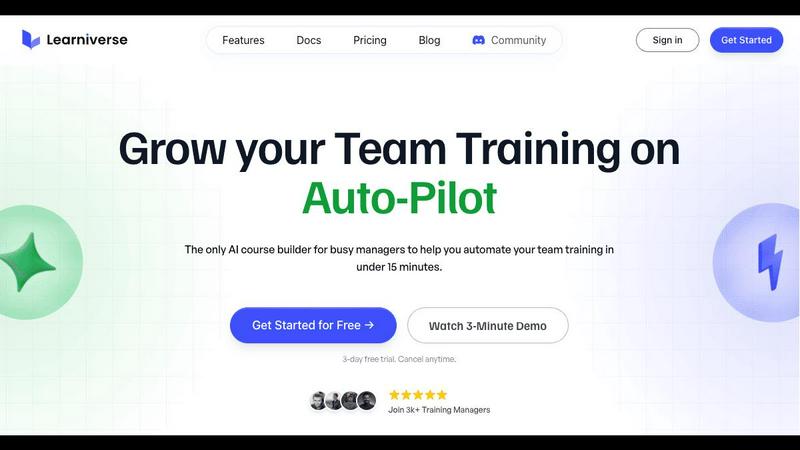
About Learniverse
Learniverse is an innovative AI-powered learning management system (LMS) that simplifies corporate training, making it accessible and efficient for busy teams and training managers. In an era where knowledge is often fragmented across various platforms, such as Google Docs, videos, and PDFs, Learniverse serves as a comprehensive training hub that integrates these disparate sources into a cohesive learning experience. Its main value proposition is the ability to transform existing company materials into a fully branded and interactive training academy in mere minutes, rather than weeks. By effortlessly uploading documents, manuals, or recordings, users can leverage Learniverse's AI assistant, which automatically structures content into engaging learning paths complete with lessons and quizzes. This user-friendly approach eliminates the need for specialized instructional design skills or complex technical setups, allowing organizations to swiftly deliver consistent and engaging training. With built-in automation for course creation, custom branding options for a professional look, community features for team interaction, and robust analytics for tracking progress, Learniverse equips organizations with all the essential tools necessary to scale effective training while reducing the typical headaches associated with it.
Features of Learniverse
Fast Course Creation
With Learniverse, training materials can be transformed into interactive courses in minutes. Just upload your existing documents, and the AI takes care of structuring them into lessons with quizzes, making it a seamless process for busy training managers.
Custom Branding
Learniverse allows organizations to create a professional training portal that reflects their brand identity. Users can customize the portal with their own colors, logo, and domain, ensuring that the training experience feels cohesive and aligned with the company's image.
Progress Tracking and Analytics
The platform provides detailed analytics that allow managers to monitor progress across teams and departments. Users can see who has completed training, identify where people are struggling, and track overdue tasks, making it easier to ensure training effectiveness.
Community Engagement Features
Learniverse fosters team interaction through built-in community features. These tools enable collaboration and discussion among team members, enhancing the learning experience and encouraging knowledge sharing in a supportive environment.
Use Cases of Learniverse
Onboarding New Employees
Learniverse can streamline the onboarding process for new hires by converting existing training materials into interactive courses. This ensures that newcomers receive consistent and engaging training that helps them acclimate quickly to their roles.
Continuous Professional Development
Organizations can utilize Learniverse to create ongoing training programs for employee development. By continuously updating courses with the latest information and skills, companies can ensure their workforce remains competitive and knowledgeable.
Compliance Training
Learniverse is ideal for delivering compliance training across various industries. By transforming compliance documents into engaging courses, organizations can make otherwise tedious training enjoyable while ensuring that all employees are up-to-date with regulations.
Product Training for Sales Teams
Sales teams can benefit from Learniverse by accessing interactive modules that cover product features, benefits, and selling techniques. This ensures that team members are well-equipped to represent the product effectively to clients.
Frequently Asked Questions
How does Learniverse handle content upload?
Learniverse simplifies the content upload process by allowing users to drag and drop various types of materials, including PDFs, videos, and recordings. The AI then organizes this content into structured lessons and assessments.
Is there a limit to the number of courses I can create?
No, Learniverse does not impose a limit on the number of courses you can create. Users can continuously add new courses as needed, making it a scalable solution for organizations of any size.
Can I customize the training portal?
Yes, Learniverse offers extensive customization options for the training portal. Users can apply their branding elements, including colors and logos, to ensure a professional and cohesive appearance that aligns with their organization.
What kind of analytics does Learniverse provide?
Learniverse provides comprehensive analytics that track user progress, engagement levels, and assessment results. This data helps managers identify training effectiveness and areas for improvement within their teams.
Explore more in this category:
Similar to Learniverse

Practical, independent guides to home repairs, maintenance, costs, troubleshooting, and everyday fixes.

Highlight faster. Study in flow with custom shortcuts and a workflow built around you. Print smarter, or turn any page into a tiled poster.

Turn videos, images, and files into secure direct links for sharing, embedding, and automated workflows.

Build Mode is a Mac app that turns focused sessions into visible progress, so you can see the work adding up before the results arrive.

Free, open-source scheduler. Web/mobile/API. Fees.


Capture any workflow in your browser and export a branded, step-by-step SOP with screenshots. €5 per document, no subscription.